Quick answer: A Framer website suits startups, consultants and small firms that want a polished, fast marketing site with strong visuals and a modest amount of content. Plan the message and page structure before opening Framer, start from a design rather than a template, check the CMS and page limits on your plan, and decide upfront who will edit the site after launch.
A Framer website has a certain look. Big type, smooth scroll animations, generous spacing, everything feeling a little more expensive than the average small business site. It’s why so many founders now ask us about Framer by name.
Framer started life as a prototyping tool and grew into a website builder with hosting, a CMS and publishing built in. Designers love it because what you design on the canvas is what goes live. But a beautiful canvas isn’t a strategy. This guide covers what small firms should know before a Framer website design project: where Framer fits, what it costs you in flexibility, and how to get a site that brings in work, not just compliments.
Key takeaways
- Framer is excellent for design led marketing sites with a handful of pages and a simple blog or resource section.
- Templates look great in previews, but your message and page plan should come first, then the design.
- Framer plans cap pages, CMS collections and CMS items, so check limits against your content plans.
- Decide who edits the site after launch. Text and CMS updates are easy; layout changes need design skills.
What Framer is good at, and what it isn't
Framer’s strengths are real:
- Design control. A canvas that feels like Figma, with responsive breakpoints and reusable components.
- Animation without code. Scroll effects, hover states and transitions that would take plugins or custom code elsewhere.
- Hosting and upkeep handled. Framer hosts the site, handles SSL and updates. No plugin patching.
- Built in CMS and localization. Collections for posts or case studies, and a Localization feature for language versions with fallback languages.
And its limits are real too. There’s no plugin library like WordPress has, so booking, payments, memberships or complex forms usually mean embedding third party tools. Content limits depend on your plan. And moving off Framer later generally means rebuilding the site elsewhere.
So the fit is clearest for a startup launch site, a consultant or advisory firm site, a portfolio or an agency site. Less clear for content heavy publishers, stores or anything that needs logins.
Framer website design starts before Framer
The most common mistake I see with Framer projects: someone buys a gorgeous template, pastes in their company name and wonders why the phone doesn’t ring.
Templates are built to look good in a gallery with placeholder copy. Your site has to persuade a specific buyer. So we do the thinking first, in the same order on every project regardless of platform:
- Who is the buyer and what do they need to see in the first ten seconds?
- What’s the one promise in the headline?
- What proof exists (credentials, clients, results, media) and in what order does it reassure?
- What’s the single next step on every page?
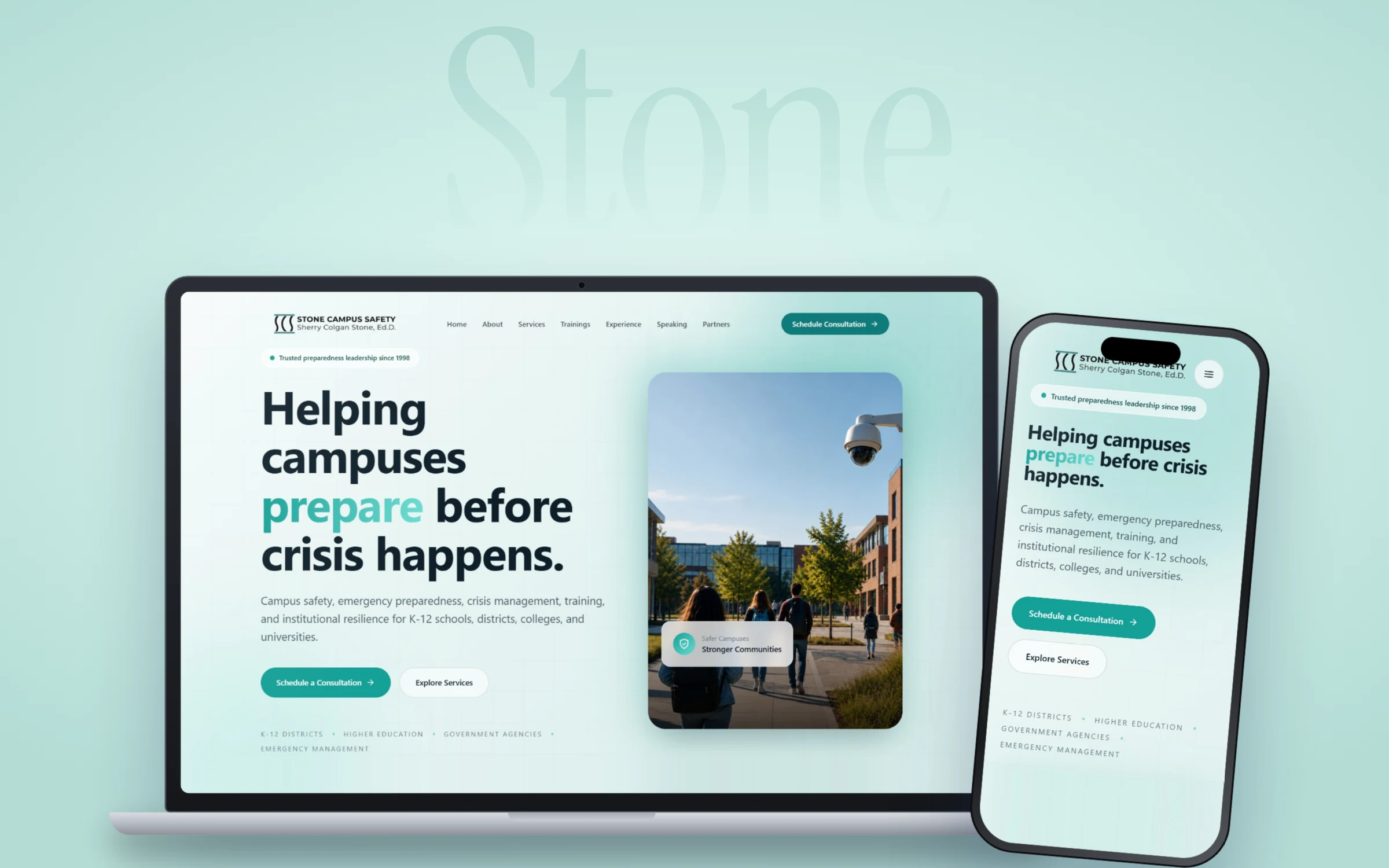
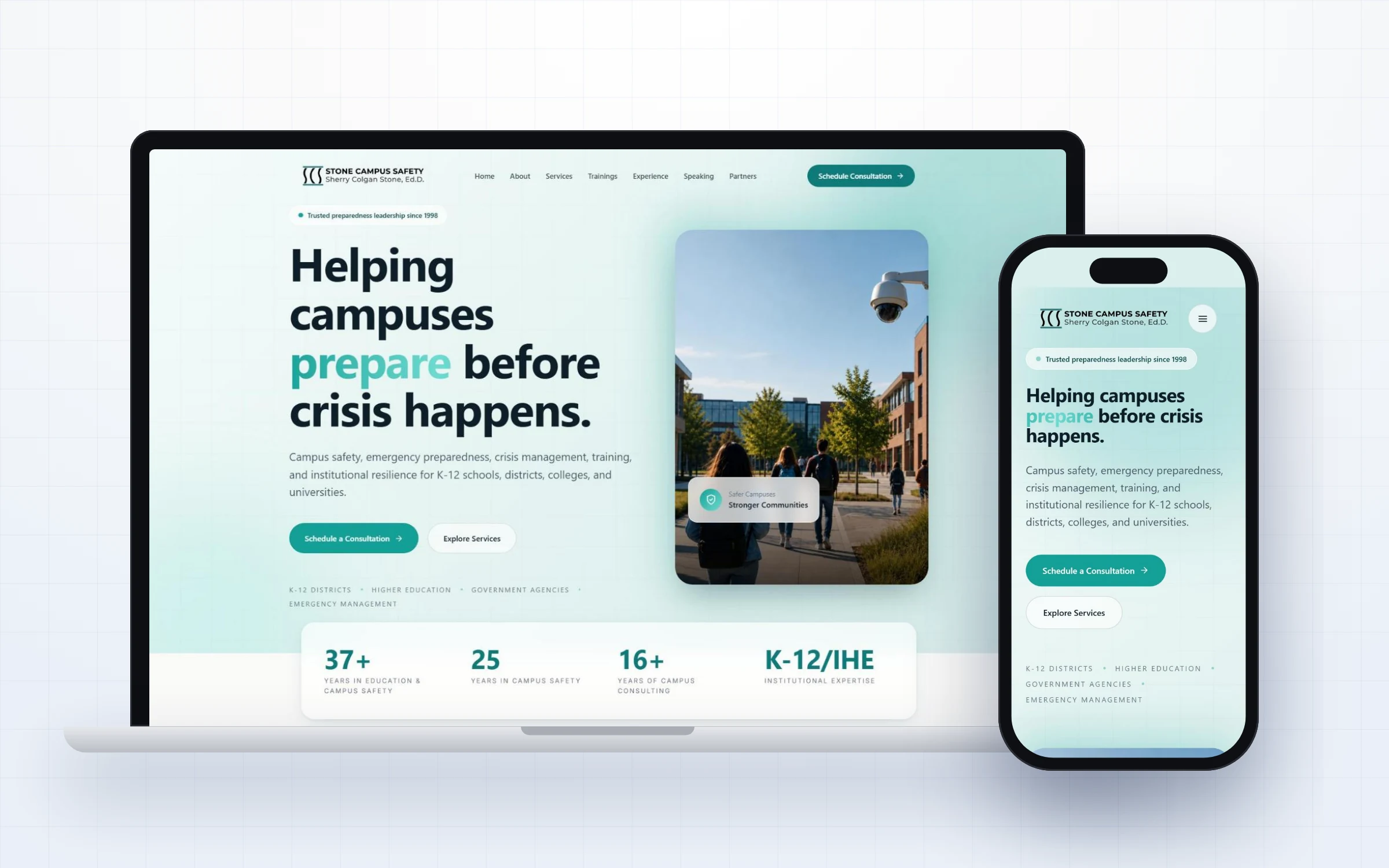
Only then does design start. For Stone Campus Safety, for example, the brief included a deliberate choice to avoid the dark colors and alarming imagery common on security sites, so we used teal and white with soft gradients and a hopeful headline: “Helping campuses prepare before crisis happens.” That decision came from understanding the buyer, not from a template. That project was built on WordPress, but the thinking transfers directly to Framer. Our homepage design best practices and website copywriting tips go deeper on this stage.
Framer templates for business: use them carefully
Framer’s template marketplace is large, and many templates are excellent. As this Framer tutorial points out, Framer templates are really complete user made websites that you duplicate, not standard themes, and you can’t spin up a new page that automatically inherits a template’s design. You copy and adapt sections instead.
That has practical consequences:
- Check the template has the page types you need (services, about, case studies, contact) before buying.
- Look at how it’s built. Clean components and consistent styles make editing easier later.
- Expect to rework sections. A template’s layout assumes its own content; yours will be different.
- Read the license, especially if an agency is building on it for you.
Our view: a template is a fine starting point for a tight budget, as long as the copy and structure are yours. A custom design is better when your positioning needs to look clearly different from competitors.
CMS, SEO and the limits to check
Framer’s CMS lets you build collections, like blog posts or case studies, with their own fields and a shared template. It works well. But the plans set ceilings. According to Framer’s pricing page:
| Plan | Pages | CMS collections | CMS items |
|---|---|---|---|
| Basic | 30 | 2 | 1,000 |
| Pro | 150 (more with add ons) | 10 (more with add ons) | 2,500 (more with add ons) |
| Enterprise | Custom | Custom | Custom |
For a consultant with a services section, a dozen case studies and a monthly article, Basic or Pro is plenty. For a firm planning hundreds of articles and resource pages, those limits deserve a hard look before you commit.
On SEO, a Framer website covers the basics well: fast pages, editable titles and meta descriptions, Open Graph images, sitemaps and clean URLs. What you don’t get is the depth of a WordPress SEO plugin for large sites. For most small firm sites, that’s not the bottleneck. Content and links are. Our on page SEO checklist applies to Framer just as well.
Hiring a Framer web designer: what to ask
Framer has a big freelance scene, and portfolios all look impressive. Animated Dribbble shots are easy to make. Sites that win clients are harder. When you hire a Framer designer or agency, ask:
- Can I see live sites, not just shots? Click through them on your phone.
- Who writes the copy? If the answer is “you send it”, budget time or help for that.
- How will I edit it after launch? Ask for a walkthrough or a short training video.
- Who owns the project and domain? The Framer project should be in your account, or transferred to it at handover, and the domain registered to you.
- What happens if I outgrow Framer? A good designer will be honest about where the platform stops.
We design on Framer, Webflow, WordPress and other platforms, so we can recommend the right one rather than the only one we know. If you’re weighing alternatives, see our guides to Webflow website design and Squarespace website design.
How a Framer website project runs
This is the process we follow for a Framer build, and it mirrors how we work on every platform.
- 01
Discovery call
We learn your buyers, services, proof and goals, and confirm Framer is the right platform for what the site must do.
- 02
Message and page plan
Headline promise, page list and the order of proof on the homepage, agreed in plain English.
- 03
Free homepage concept
We design the homepage first and send a live link, so you see the direction before paying anything.
- 04
Full design and build
Remaining pages follow the approved system, with CMS collections, responsive breakpoints and animations kept purposeful.
- 05
SEO and launch checks
Titles, descriptions, redirects, forms, tracking and mobile testing before the domain goes live.
- 06
Handover
You get the project in your account and a walkthrough of how to edit text, images and CMS items yourself.
Keep the animations honest
One last opinion. Framer makes motion so easy that sites end up with everything sliding, fading and bouncing. It looks great in the first demo and gets tiring by the third page. Worse, heavy animation can slow the page and distract from the one button you want people to press.
Use motion to guide attention: a subtle reveal on the headline, a smooth transition between sections. Keep the call to action still and obvious. And test on a mid range phone, not just your laptop. Our post on website speed optimization explains what to measure.
Frequently asked questions
Is Framer good for a business website?
Yes for design led marketing sites with a modest amount of content, like startups, consultants and agencies. It is less suited to large content libraries, stores or sites needing logins and complex plugins.
Do I need a designer to build a Framer website?
You can build one yourself from a template, but the results depend heavily on your copy and structure. A designer helps most with message, layout and making the site easy to edit later.
Are Framer templates good for business?
Many are well made. Choose one with the page types you need, clean components and a license that fits, then rewrite the copy and rework sections around your own content.
Is a Framer website good for SEO?
Framer handles the SEO basics well, including fast pages, editable titles and descriptions, sitemaps and redirects. For small sites, content and links matter more than the platform.
Can I edit my Framer website myself?
Yes. Text, images and CMS items are easy to update. Larger layout changes need some comfort with the Framer canvas, so ask for a walkthrough at handover.
What are the limits of a Framer website?
Plans cap pages, CMS collections and CMS items, there is no plugin library like WordPress, and moving to another platform generally means rebuilding.
A beautiful site that also brings in work
Framer can produce some of the best looking small business websites on the web. Pair that with a clear message, real proof and one obvious next step, and it’s a strong platform for a consultant or small firm. Skip that groundwork, and you get a lovely site nobody calls from.
If you’re considering a Framer website, see our website design services, or contact us and we’ll design a free homepage concept so you can judge the direction before committing.