
Quick answer: An executive protection company website has to prove competence without exposing anyone. Show licenses, insurance, team background, training standards and how engagements start. Never show principals, locations, schedules, vehicles or detail methods. Give family offices and corporate security directors one discreet way to request a confidential consultation, and keep the design calm and understated.
An executive protection company website lives with a contradiction. The people who hire you want proof that you’re excellent. The people you protect want no proof that they exist. Most EP sites solve that badly, either by showing nothing (a logo, a phone number, a stock photo of a man in sunglasses) or by showing far too much.
This guide is about the middle path: what family offices, corporate security directors and other buyers actually look for, what you can safely put on the site, what you should never publish, and how to turn a quiet website into inquiries from the right people.
Key takeaways
- Buyers vet competence and discretion at the same time. Your site has to prove both without naming clients.
- Credentials, licensing, insurance, training standards and process are your safest and strongest proof.
- Never publish principals, locations, routes, schedules, vehicles or protective methods.
- Most EP work comes through referrals and gatekeepers, so the site’s main job is to pass their check.
Who checks an executive protection company website
Very few principals search Google for a bodyguard and pick the top result. EP work moves through people. Belfry’s guide to starting an executive protection company points to corporate security directors, formal RFPs and gatekeepers such as estate managers and event planners. Climb the Ladder’s guide adds wealth managers and family law attorneys as referral sources.
That gives you a clear list of website visitors:
- Family office staff and estate managers, quietly comparing two or three names they were given.
- Corporate security directors, checking whether you’re credible enough to include in an RFP.
- Executive assistants and chiefs of staff, often the first to search, and the ones who’ll forward your link.
- Referrers (attorneys, wealth managers, event producers) who want to be sure you won’t embarrass them.
None of them wants drama. They want reassurance that you’re professional, insured, discreet and easy to brief.
Discretion vs proof: what to show
Here’s what we’d put on an executive protection website without hesitation:
- Licensing and insurance. State the licenses you hold and where, and that you carry appropriate liability coverage. Buyers ask about both early.
- Team background, described in aggregate. “Former federal, military and law enforcement protection professionals” plus selected individual bios where team members are comfortable being named.
- Training standards. Medical training, driver training, ongoing drills and recognized industry certifications. These say “we take this seriously” without saying how you work.
- Service types. Residential protection, travel and event coverage, corporate executive programs, protective intelligence, secure transportation. Each can have its own page.
- Process. How an engagement starts (confidential consultation, threat assessment, proposal, onboarding), described in steps, not tactics.
- Sector experience, anonymized. “Technology executives,” “family offices,” “entertainment,” with no names or identifying details.
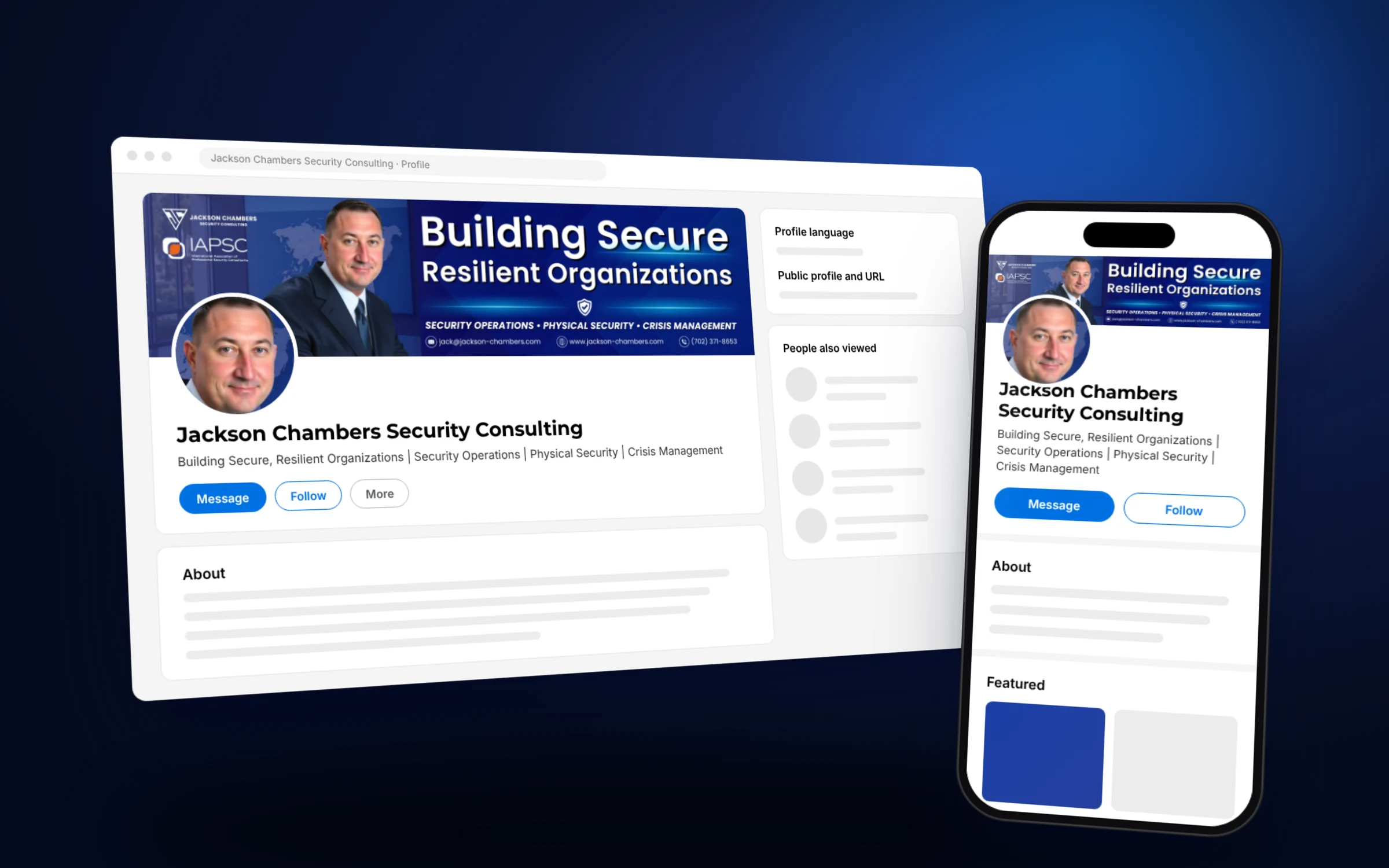
- Memberships and affiliations. Professional associations matter. Jackson Chambers Security Consulting, whose LinkedIn branding we designed, puts its IAPSC membership right on the banner because buyers recognize it.
What never goes on the site
- Photos or names of principals, even ones who “wouldn’t mind.”
- Recognizable homes, offices, aircraft, vehicles or license plates.
- Event photos with dates and locations, especially recent ones.
- Specific methods, formations, communications setups or equipment lists.
- Client logos, unless a corporate client has explicitly approved it in writing.
- Team member details that make them easy to find (home cities, family photos).
A good test: if someone hostile read the page, would they learn anything useful about a principal or your methods? If yes, cut it.
Also check your image metadata. Photos straight from a phone can carry location data. Strip it before upload, and favor professionally shot team or training photos over candid field shots.
Pages an executive protection company website needs
| Page | What it does |
|---|---|
| Home | One clear promise, credentials in the first screen and a confidential consultation button |
| Services | A page per service line, each written for the buyer who purchases it |
| Who we protect | Sectors served, anonymized, so a family office or company sees itself |
| Team and standards | Leadership bios, training, licensing and insurance |
| Approach | The engagement process from first call to ongoing program |
| Insights | Calm articles on travel risk, event planning, residential security basics |
| Contact | A short confidential form, a direct phone line and what happens next |
Our guide to the security consultant website goes deeper on the trust signals buyers check across the wider security field.
Design that reads as discreet
Visual tone carries a lot of weight in this niche. Black backgrounds, crosshairs, tactical stock photos and red accents say “action film.” Family offices and corporate buyers tend to respond better to restraint: a deep, quiet palette, generous spacing, serif or clean sans serif headlines and photography of real people in professional settings.
We made the same call on other sensitive security sites. For Risk Mitigation Technologies, a threat assessment firm, we used a dark editorial palette and real founder photography instead of alarming stock images, on the principle that calm beats dramatic when the buyer is already worried.
And make sure the site works perfectly on a phone. The executive assistant who forwards your link will probably open it on one first.
Executive protection marketing beyond the website
The website closes. Other channels open the door:
- LinkedIn. Corporate security directors and family office staff are there. A banner, headline and Featured section that match your website make the hand off smooth. Our LinkedIn profile optimization service does exactly this for security firms.
- Referral partners. Attorneys, wealth managers, estate managers and event producers. Give them a short, forwardable page that explains what you do.
- RFP readiness. Corporate buyers often issue RFPs. A clean capabilities page and downloadable overview make it easy to include you.
- Search. Local searches like “executive protection [city]” do happen, mostly from event planners and corporate travel teams. A service plus location page and a complete Google Business Profile cover it. Our guide to SEO for consultants covers the basics.
How to build an executive protection company website
The order we’d follow for an EP firm starting from scratch or a thin site.
- 01
Pick your primary buyer
Family offices, corporations or event and travel clients. Lead the homepage with one.
- 02
Collect safe proof
Licenses, insurance, certifications, training standards, memberships and approved team bios.
- 03
Write the engagement process
Consultation, assessment, proposal, onboarding and ongoing program, in plain steps.
- 04
Run a discretion review
Check every photo, bio and sentence against the never publish list, and strip image metadata.
- 05
Design for calm authority
Quiet palette, real people, no tactical clichés, one confidential consultation button everywhere.
- 06
Align LinkedIn and referral materials
Same promise and wording across the site, LinkedIn and any PDF overview.
Frequently asked questions
What should an executive protection company website include?
A clear promise, credentials and licensing, insurance, team background, training standards, service pages, an engagement process and a confidential consultation form.
Can I show my clients on my EP website?
Generally no. Use anonymized sectors and situations instead. Only show a corporate logo with written approval, and never show private principals.
How do executive protection companies get clients?
Mostly through referrals, corporate security directors, RFPs and gatekeepers such as estate managers and event planners. The website is where those people check you before they call.
Should a close protection website show team photos?
Professional team photos in neutral settings build trust. Avoid field photos that reveal principals, locations, vehicles or methods, and strip location data from image files.
Do executive protection firms need SEO?
Some, especially for local event and travel work. Most growth still comes from referrals, so the site's clarity and credibility matter more than rankings.
How long does an EP website take to build?
A focused site usually takes a few weeks. Gathering credentials and running the discretion review often takes longer than the build itself.
Quiet, credible and easy to call
The best executive protection company website feels like the firm itself: composed and discreet. It proves competence through standards and process, and it never puts a principal at risk.
If you’d like help building one, see our website design for security consultants and get in touch. We’ll start with a free homepage concept so you can judge the tone before committing.