Quick answer: A book landing page is a single page built to sell one book and capture readers. For a consultant or speaker it should do more: sell copies through retailers, take bulk and preorder requests, collect emails with a free chapter, and route readers who want help toward a speaking or consulting inquiry. One page, four clear paths.
Most advice about the book landing page assumes the book is the business. For a novelist, it is. For a consultant, speaker or expert who wrote a nonfiction book, the book is usually the most expensive business card ever printed, and the landing page should be built with that in mind.
I build websites for consultants, speakers and authors, and the question I ask every author client is the same: what do you want a reader to do after they finish chapter three? Buy a second copy for their boss? Hire you? Book you for their conference? The answer shapes the whole page. This guide covers what a book landing page needs, how it differs from a full author site, and how to make the book pull in work.
Key takeaways
- Decide what the book is for before designing the page. For most experts, it’s lead generation, not royalties.
- Give readers four paths: buy, buy in bulk, get a free chapter, and talk to you about speaking or consulting.
- Retailer buttons send readers away. Capture an email or inquiry before they leave.
- Keep the page on your own domain so the attention it earns builds your site, not a page builder’s.
What a book landing page is (and isn't)
A book landing page is a single page focused on one title. It has one job, or at most a few related jobs, and it strips away everything else: no blog sidebar, no ten item menu, no list of every service you’ve ever offered.
It isn’t your author website. A full author website holds your bio, all your books, events, media and contact pages. The landing page is what you send people to from a podcast interview, a LinkedIn post, an ad or the QR code on your slides. Ideally it lives on the same domain, at something like yoursite.com/book.
When you’re launching, you might also want a dedicated book launch website with its own domain. I’m usually against it for nonfiction experts. A separate domain splits your search authority, and two years from now nobody will remember to renew it.
The four jobs of a nonfiction book landing page
Here’s where expert authors differ from everyone else. Your page should handle four kinds of visitors, and each needs its own clear next step:
| Visitor | What they want | What the page offers |
|---|---|---|
| Individual reader | One copy, quickly | Retailer buttons (Amazon, Bookshop, others) and formats |
| Team leader or HR | Copies for a team or event | A bulk order form with quantity and date |
| Curious but not ready | A taste first | A free chapter or checklist in exchange for an email |
| Potential client or planner | The author, not just the book | Speaking and consulting inquiry, with a short form or booking link |
Most author pages only serve the first row. That’s a waste. A reader who emails you for 40 copies for a leadership offsite is a better lead than almost anyone who fills in your regular contact form.
Book landing page anatomy, top to bottom
Hero: cover, promise and one button
Put the cover on the left, and on the right a headline that states what the reader gets. Use the book title as the headline only if the title already explains the benefit. If it’s clever but vague, write a plain promise and put the title underneath.
One primary button above the fold: “Get the book.” It can open a small menu of retailers or scroll to the buy section. Unbounce’s guide to book landing pages recommends building the page around the cover so its colors and mood carry through, and I agree. The cover is your brand for this campaign.
Who it's for and what they'll learn
Short bullets, not a back cover blurb. Name the reader (“for HR leaders responsible for workplace safety”) and list four or five concrete things they’ll be able to do. Unbounce suggests keeping the description to about 300 words or fewer, which is about right.
Look inside
For nonfiction, show the table of contents or a chapter by chapter summary. This is the most underused section on author pages, and it’s often what convinces a skeptical buyer that the book is practical rather than motivational.
Proof
Endorsements from recognizable people in your field, early reader reviews, and any media coverage. Put names and titles on everything. If you’ve been interviewed about the book, a short video clip near here helps.
About the author
Three or four sentences on why you’re qualified, with a link to your speaking or services page. This is the bridge from book to business, so make the link obvious: “I also advise organizations on this. Here’s how.”
Bulk orders, free chapter, and inquiry
Close the page with the other three paths, each clearly separated. A short bulk order form. A free chapter signup. A speaking and consulting inquiry. Then repeat the buy button once more at the very bottom.
Preorder pages: start earlier than you think
A book preorder page should go live as soon as you have a cover and a publication date, often months before launch. Early on, the most valuable thing it does is build a list. Offer a bonus (a workbook, a recorded session, a checklist) to anyone who preorders and forwards the receipt, and you get names and emails that the retailers would otherwise keep.
Those emails become your launch team. Send them a short welcome email sequence that explains what the book covers, asks for honest reviews after launch, and introduces your other work. Our guide on how to build an email list has more ways to grow it.
How the book connects to consulting and speaking
For an expert, a book changes how people describe you. “She wrote the book on it” is a sentence that opens doors with conference planners and procurement teams. Your landing page should make that easy to act on.
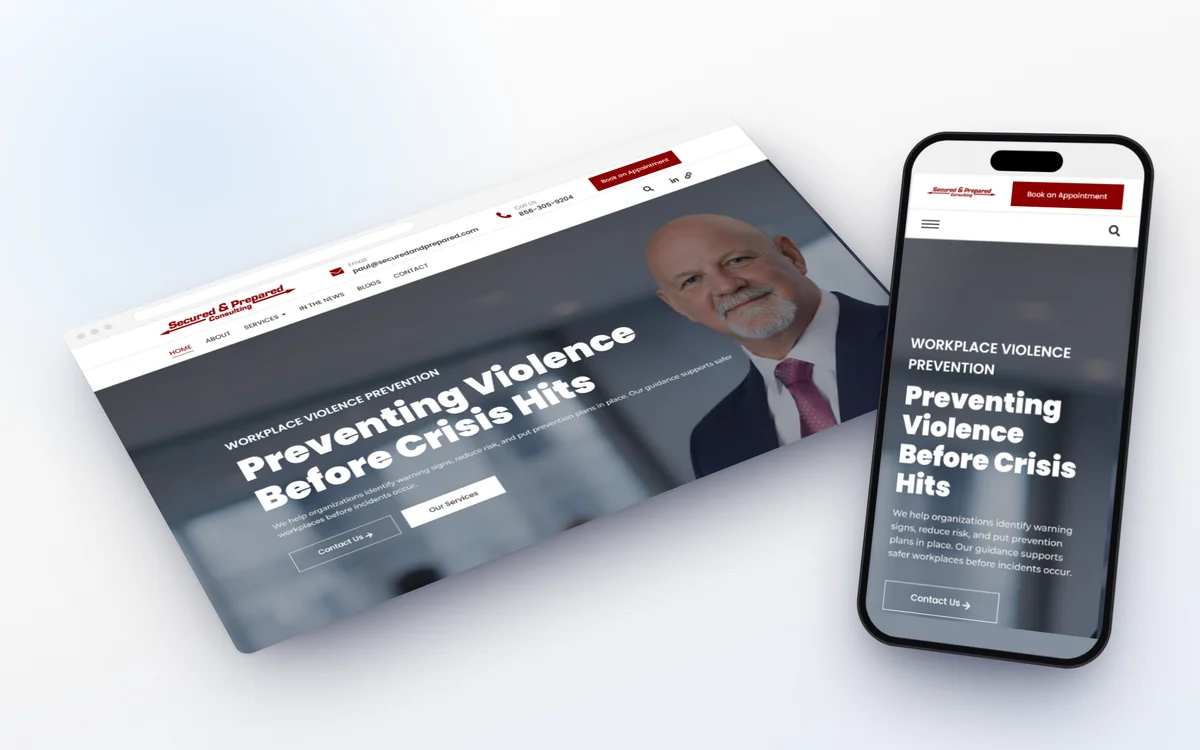
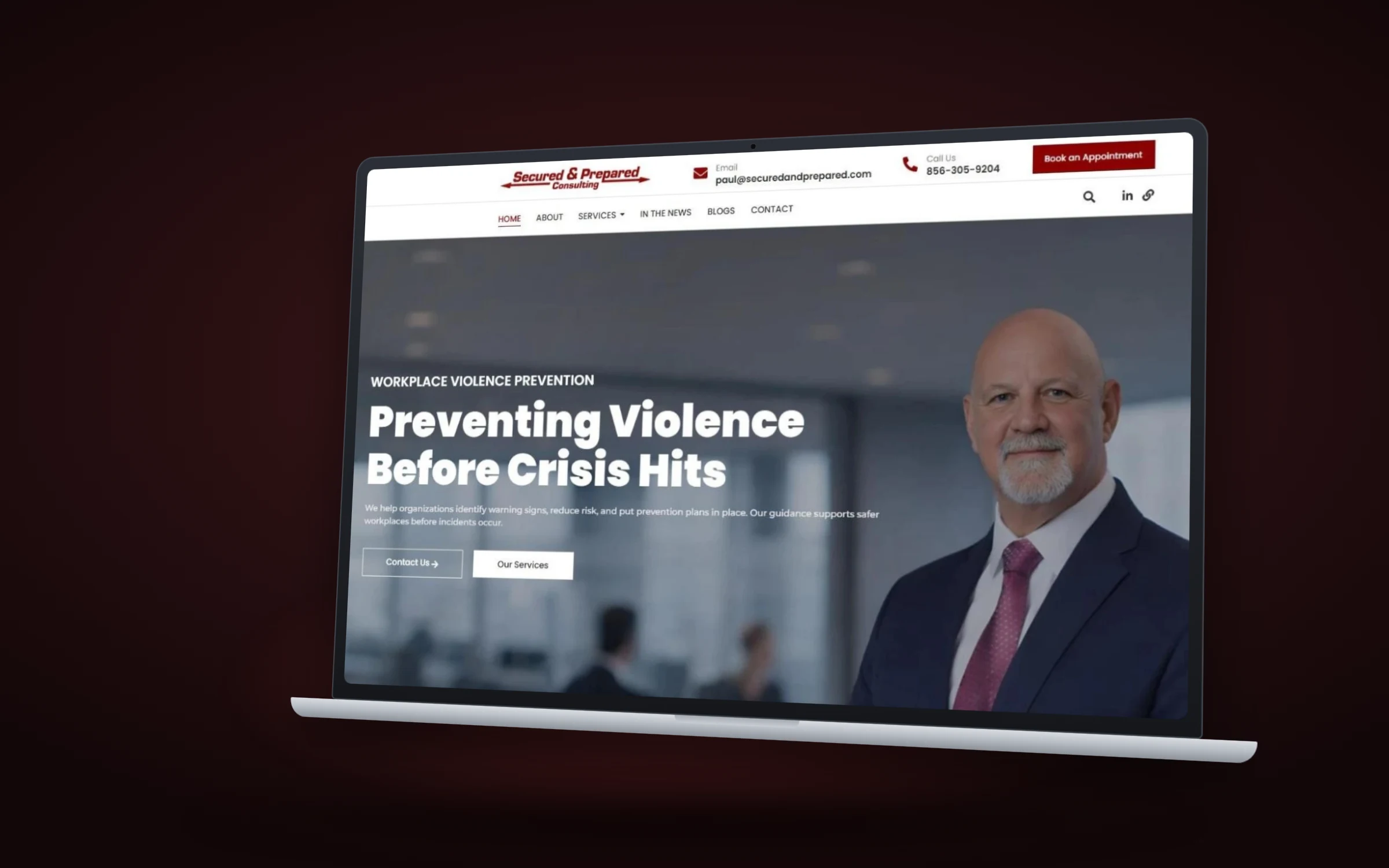
Secured and Prepared Consulting is a good example of roles working together. When we designed their LinkedIn presence, the banner listed four roles in one slim line: expert witness, consultant, speaker and author. The case study explains why: HR leaders, executives and attorneys check LinkedIn before hiring, and each of those roles reinforces the others. A book page should do the same. Link to speaking from the author section, link to services from the “who it’s for” section, and make sure the book appears on your speaker website and LinkedIn Featured section.
Build your book landing page in seven steps
Whether you use WordPress, Squarespace or something else, the order is the same:
- 01
Decide the main goal
Sales, list growth or consulting leads. Pick one primary goal and treat the others as secondary paths.
- 02
Write the promise headline
One line about what the reader gets. Test it on someone in your target audience.
- 03
Gather assets
High resolution cover, author photo, endorsements, table of contents and a sample chapter as a PDF.
- 04
Set up the forms
Bulk order, free chapter signup and inquiry, each connected to your email tool or inbox.
- 05
Design around the cover
Pull colors from the cover, keep navigation minimal and compress the cover image so the page loads fast.
- 06
Add tracking
Measure clicks on each retailer button and each form, so you know which path readers choose.
- 07
Share it everywhere
Podcast show notes, email signature, LinkedIn Featured, slides and the back pages of the book itself.
Common book website design mistakes
- Only retailer links. Every click leaves your site with no email captured.
- A slow, heavy page. Huge cover files and autoplay trailers. Readers on phones give up.
- No bulk path. Corporate buyers don’t want to add 50 copies to a personal cart.
- Hiding the author. Readers who like the book want to know who you are and how to work with you.
- A page that stops after launch. Add reviews, media and new resources as they come in. The page should get stronger over time.
Our broader guide to landing page design covers layout and copy principles that apply here too.
Frequently asked questions
What should a book landing page include?
The cover, a promise headline, a buy button, who the book is for and what they'll learn, a look inside, endorsements, a short author bio, and secondary paths for bulk orders, a free chapter and speaking or consulting inquiries.
Should my book have its own website?
For most nonfiction experts, no. A landing page on your main domain keeps search authority in one place and connects the book directly to your services and speaking page.
When should I launch a book preorder page?
As soon as you have a cover and a publication date. Use it to build an email list with a preorder bonus, then turn that list into your launch team.
How do I handle bulk book orders on my site?
Add a short form asking for quantity, delivery date and organization. Many expert authors handle these directly, sometimes bundling a talk or workshop with the order.
Can a book landing page bring in consulting clients?
Yes, if you give it a path to do so. Link the author bio to your services, add a speaking and consulting inquiry form, and follow up with readers who download your free chapter.
What is the best platform for a book landing page?
Whatever your main site runs on. WordPress, Squarespace and Webflow all handle it well. Keeping it on your existing site matters more than the platform.
Make the book work for you
Writing the book was the hard part. A good book landing page makes sure the attention it earns turns into readers on your list, bulk orders and conversations about working together, not just a few royalty payments.
If you’d like help building one, see our website design services, or contact us and we’ll sketch a free concept for your book page.