

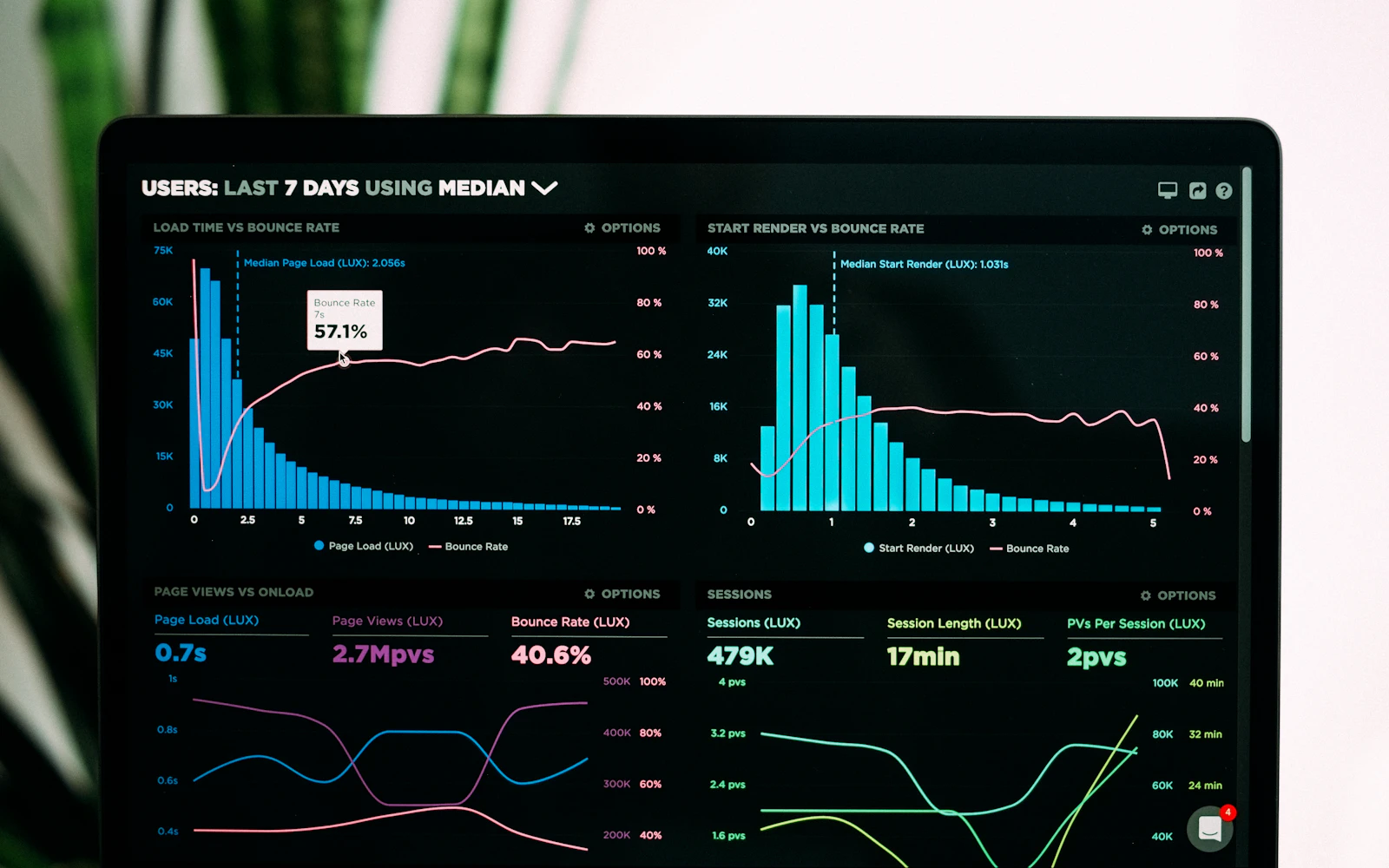
Core Web Vitals are three measurements Google uses to judge how a page feels to a real visitor: how fast the main content shows up, how quickly the page responds when someone taps, and whether things jump around while it loads. That is the whole idea. The names and acronyms make it sound far more mysterious than it is.
We usually get asked about this after a client opens Google Search Console and sees a red or orange warning. An HR consultant forwarded us one recently with a single line: “Is my website broken?” It was not broken. It had a large hero image loading slowly on phones and a cookie banner pushing the page down. Two fixes, and the report turned green over the following weeks.
This guide explains each metric in plain English, how to read your reports, and the fixes that work on WordPress sites. If you want the broader picture of speed work, read our website speed optimization guide and the more technical WordPress speed optimization post. If you would rather someone else keep an eye on it, it is part of our WordPress maintenance services.
- Core Web Vitals are three metrics: Largest Contentful Paint (LCP), Interaction to Next Paint (INP) and Cumulative Layout Shift (CLS).
- INP replaced First Input Delay (FID) as a Core Web Vital in March 2024.
- Google judges each metric on real visitor data, at the 75th percentile, separately for mobile and desktop.
- Good scores help, but they will not outrank better, more relevant content.
- On most consultant sites, the fixes are images, scripts and reserved space, not a rebuild.
What are Core Web Vitals?
Core Web Vitals are part of Google’s wider idea of page experience. Google picked three measurements that reflect what a visitor actually notices: loading, responsiveness and visual stability. Each one has a clear threshold for “good”, “needs improvement” and “poor”.
The key detail is that Core Web Vitals are based on real people using Chrome, collected in the Chrome User Experience Report (CrUX). Google looks at the 75th percentile of visits over the previous 28 days. In plain terms, a page passes if at least three out of four visits had a good experience. Mobile and desktop are scored separately, and mobile is usually the harder one.
Google’s own documentation on web.dev is the reference if you want the full technical detail. Below is the version we give clients.
| Metric | What it measures | Good | Needs improvement | Poor |
|---|---|---|---|---|
| LCP (Largest Contentful Paint) | How long until the main content is visible | 2.5 seconds or less | Up to 4 seconds | Over 4 seconds |
| INP (Interaction to Next Paint) | How quickly the page responds to taps, clicks and key presses | 200 milliseconds or less | Up to 500 milliseconds | Over 500 milliseconds |
| CLS (Cumulative Layout Shift) | How much content moves around unexpectedly | 0.1 or less | Up to 0.25 | Over 0.25 |
LCP: the loading part of Core Web Vitals
Of the three Core Web Vitals, this is the one most consultant sites fail first. Largest Contentful Paint measures the time from when someone starts loading the page until the largest visible element in the first screen has rendered. On most consultant sites that element is the hero image, a large headline or a background photo. It is the moment the visitor feels the page has arrived.
What slows LCP down
Google breaks LCP into four parts, which is handy for diagnosis. First, the server has to respond (time to first byte). Then the browser has to discover the main image. Then it has to download it. Then it has to draw it. A delay in any part pushes LCP up.
- Slow server response. Cheap hosting, no page caching or a heavy pile of plugins building the page.
- A huge hero image. A photo several times bigger than the screen needs, often still a JPEG or PNG.
- A lazy loaded hero. Lazy loading is great below the fold, but applying it to the top image tells the browser to wait.
- Images hidden in CSS or sliders. If the main image is set as a background in a builder or loaded by a slider script, the browser finds it late.
- Render blocking files. Large CSS and JavaScript files that must load before anything is drawn.
How to fix LCP on WordPress
- Turn on page caching with a plugin like WP Rocket or LiteSpeed Cache, or your host’s built in cache.
- Resize and compress the hero image, and serve WebP or AVIF.
- Make sure the hero image is not lazy loaded. Recent WordPress versions also add a high fetch priority to the likely LCP image, so do not let a plugin override that.
- Prefer a real image element over a CSS background for the main image where your builder allows it.
- Replace a homepage slider with one strong image. Sliders rarely earn their weight.
INP: how quickly the page responds
Interaction to Next Paint is the newest of the Core Web Vitals. It replaced First Input Delay (FID) in March 2024, and it is a tougher test. FID only looked at the delay before the browser started handling the very first interaction. INP looks at interactions throughout the whole visit, from the tap until the screen visibly updates, and reports one of the slowest.
Interactions here mean clicks, taps and key presses. Scrolling and hovering do not count. So when a visitor taps your mobile menu, opens an FAQ accordion or types into a contact form, INP measures how long it takes before they see something happen. If the page feels sticky or laggy, INP is usually why, and it is the part of Core Web Vitals that third party scripts hurt most.
What hurts INP
- Too much JavaScript running on the page, especially from third party tools like chat widgets, tracking tags and social embeds.
- Heavy page builder addons that run scripts on every element.
- Long tasks that keep the browser busy, so it cannot respond to the tap right away.
- Complex pages with a very large number of elements, which take longer to update.
How to fix INP on WordPress
- Audit third party scripts and remove the ones you do not use. That chat widget nobody opens is a common culprit.
- Delay non essential scripts until the visitor interacts, using your caching plugin’s delay option. Test forms and menus afterward.
- Disable unused widgets in addon packs so their scripts do not load.
- Simplify very long pages with deeply nested builder sections.
INP is the hardest of the three to test yourself, because lab tools cannot fully simulate a real person tapping around. In Lighthouse, Total Blocking Time (TBT) is the closest lab signal. If TBT is high, INP in the field is likely to struggle too. Google’s INP guide goes deeper.

CLS: whether the page stays still
Cumulative Layout Shift measures unexpected movement. You have felt it: you go to tap a button, an image loads above it, the page jumps, and you tap the wrong thing. CLS adds up those shifts into a score, and it is often the easiest of the Core Web Vitals to fix. It is not measured in seconds, which confuses people. Lower is better, and 0.1 or less is good.
Movement that follows a visitor’s own action, like opening an accordion, does not count against you. CLS is about things moving when nobody asked them to.
Common causes of layout shift
- Images and videos without width and height set, so the browser does not reserve space for them.
- Cookie banners, announcement bars or popups that push content down after the page loads.
- Embeds like booking calendars, maps and social posts that load late and expand.
- Web fonts that swap in and change the size of text.
How to fix CLS on WordPress
- Make sure images have width and height attributes. WordPress adds them for images inserted through the editor, but custom code and some builder widgets skip them.
- Give embeds a fixed height container so space is reserved before they load.
- Show cookie and announcement banners as overlays at the bottom of the screen rather than pushing content down from the top.
- Use fewer font files and preload the main one, so text does not jump when fonts arrive.
Where to check your Core Web Vitals
To check Core Web Vitals properly, you need two kinds of data: field data (what real visitors experienced) and lab data (a simulated test you can run on demand). Both are useful, but only field data decides how Google sees you.
Google Search Console
The Core Web Vitals report in Search Console groups similar pages together and labels them Good, Needs improvement or Poor, for mobile and desktop. It is the best place to see the big picture across your site. Click into an issue to see example URLs.
PageSpeed Insights
PageSpeed Insights tests a single URL. The top section shows field data from CrUX if your page has enough traffic. The bottom section is a Lighthouse lab test with specific suggestions. Use the top to know if there is a problem and the bottom to find what is causing it.
“Not enough data”
Many small consultant sites see this message. It simply means Chrome has not collected enough visits to report field data for that page or the site. It is not a penalty, and it does not mean your Core Web Vitals are bad. In that case, use the lab results as a guide and focus on making the experience good for the visitors you do have.
Quick tip: After you fix something, Search Console will not change overnight. Field data covers 28 days, so give it a few weeks. You can click “Validate fix” to start the process.
Do Core Web Vitals affect rankings?
Yes, but less than most people fear. Google has said Core Web Vitals are used by its ranking systems as part of page experience. Google has also been clear that great page experience does not override relevance. A page with helpful, specific content will usually beat a faster page that does not answer the question. You can read Google’s position in its Search Central documentation.
The real reason to care is the visitor. A school district’s facilities director checking out a security consultant on a phone between meetings will not wait, and will not forgive a page that jumps under their thumb. Good Core Web Vitals mean that person actually reads your work. Ranking benefits are a bonus. For the content side, our guide to SEO for consultants is the place to start.
Pass the vitals for your visitors. Google is just keeping score.
Search Console showing red?Send us the report. We will tell you what is behind each Core Web Vitals issue and what it would take to fix it.

A Core Web Vitals fix plan for WordPress sites
When a client sends us a failing Core Web Vitals report, this is the order we work in. It fixes the most common problems first and avoids changes that break things.
- Find which metric is failing, and on which device. Search Console tells you. Do not fix everything at once.
- Check hosting and caching. If the server responds slowly, LCP will suffer no matter what else you do. Set up one caching plugin and confirm it works when logged out.
- Fix the hero image. Right size, modern format, not lazy loaded.
- Audit plugins and scripts. Remove what you do not need, then delay what is left but non essential.
- Reserve space. Add image dimensions, fix embed containers and move banners to overlays.
- Retest in PageSpeed Insights, then validate in Search Console.
Most consultant sites need steps two through five and nothing more dramatic. A full redesign is rarely the answer to failing Core Web Vitals, though if the site is old and built on a heavy theme, it can be the cleaner long term route. Our website redesign checklist helps you decide.
Core Web Vitals on Elementor and other page builders
We build many consultant sites with Elementor, so we get asked whether a page builder makes good Core Web Vitals impossible. It does not. It does make them easier to lose. Builders add extra markup and scripts, and addon packs add more. The fix is discipline: turn on the builder’s performance settings, keep layouts shallow, use one hero image instead of a slider, and switch off widgets you never use. A lean Elementor site with sensible hosting can pass Core Web Vitals comfortably on mobile.
Core Web Vitals and your hosting
Server response time sits under all three Core Web Vitals, even if it is not one of them. If your host takes a long time to respond, LCP starts the race already behind. When we see consistently slow server response, moving to better hosting fixes more than any plugin setting. Hostinger is the host we use for many client sites, and our Hostinger review explains why. For a wider comparison, see best WordPress hosting.
A content delivery network like Cloudflare also helps, especially if your clients are spread across the country. It serves images and files from servers closer to each visitor, which shortens load times for people far from your host’s data center.
Core Web Vitals mistakes we see
- Chasing a lab score of 100. The Lighthouse number is a diagnostic tool. Field data is what counts for Core Web Vitals.
- Still talking about FID. Plenty of old guides and plugin settings refer to First Input Delay. INP is the metric that matters now.
- Testing only on desktop. Mobile is where most sites fail, and it is where your prospects often first see you.
- Fixing once and forgetting. A new chat widget or an unoptimized banner image can undo good Core Web Vitals in a day. Add a check to your monthly routine with our WordPress maintenance checklist.
- Installing more optimization plugins. Stacking tools often adds conflicts and code. One well configured caching plugin beats three half configured ones.
Frequently asked questions
What are the three Core Web Vitals?
Largest Contentful Paint (LCP) for loading, Interaction to Next Paint (INP) for responsiveness and Cumulative Layout Shift (CLS) for visual stability. Good scores are LCP of 2.5 seconds or less, INP of 200 milliseconds or less and CLS of 0.1 or less.
When did INP replace FID in Core Web Vitals?
INP officially replaced First Input Delay as a Core Web Vital in March 2024. FID only measured the delay before the first interaction was handled, while INP looks at responsiveness across the whole visit.
Why does Search Console say “not enough data”?
Field data comes from real Chrome users. If a page or site does not get enough visits, Google cannot report reliable numbers. It is not a penalty. Use PageSpeed Insights lab results as your guide in the meantime.
How long until fixed Core Web Vitals show up in Search Console?
Field data is based on a rolling 28 day window, so expect a few weeks before the report reflects your changes. Use “Validate fix” in Search Console to start tracking.
Do I need a developer to fix Core Web Vitals?
Some fixes, like compressing images or removing an unused plugin, are easy to do yourself. Others, like tuning script delays or reworking a builder layout, are easier with someone who can test carefully and roll back if something breaks.
Turn the red warnings green
Core Web Vitals are not a mystery once you know what each one measures. LCP is the main content arriving fast. INP is the page responding when tapped. CLS is the page staying still. Fix the hero image, trim the scripts, reserve space for things that load late, and most consultant sites move into the green.
If you would like us to handle it, our WordPress maintenance services include performance checks and fixes for consultant and small firm sites across the US. Get in touch with Design Fly 24, share your Search Console report, and we will tell you plainly what is going on and how we would fix it.
